Local search
Your Google Business Profile Is Your First Homepage
For many practices, more people see the Google listing than the website. Treat it like the front door.

Aaron Harms
September 25, 2026 · 3 minute read
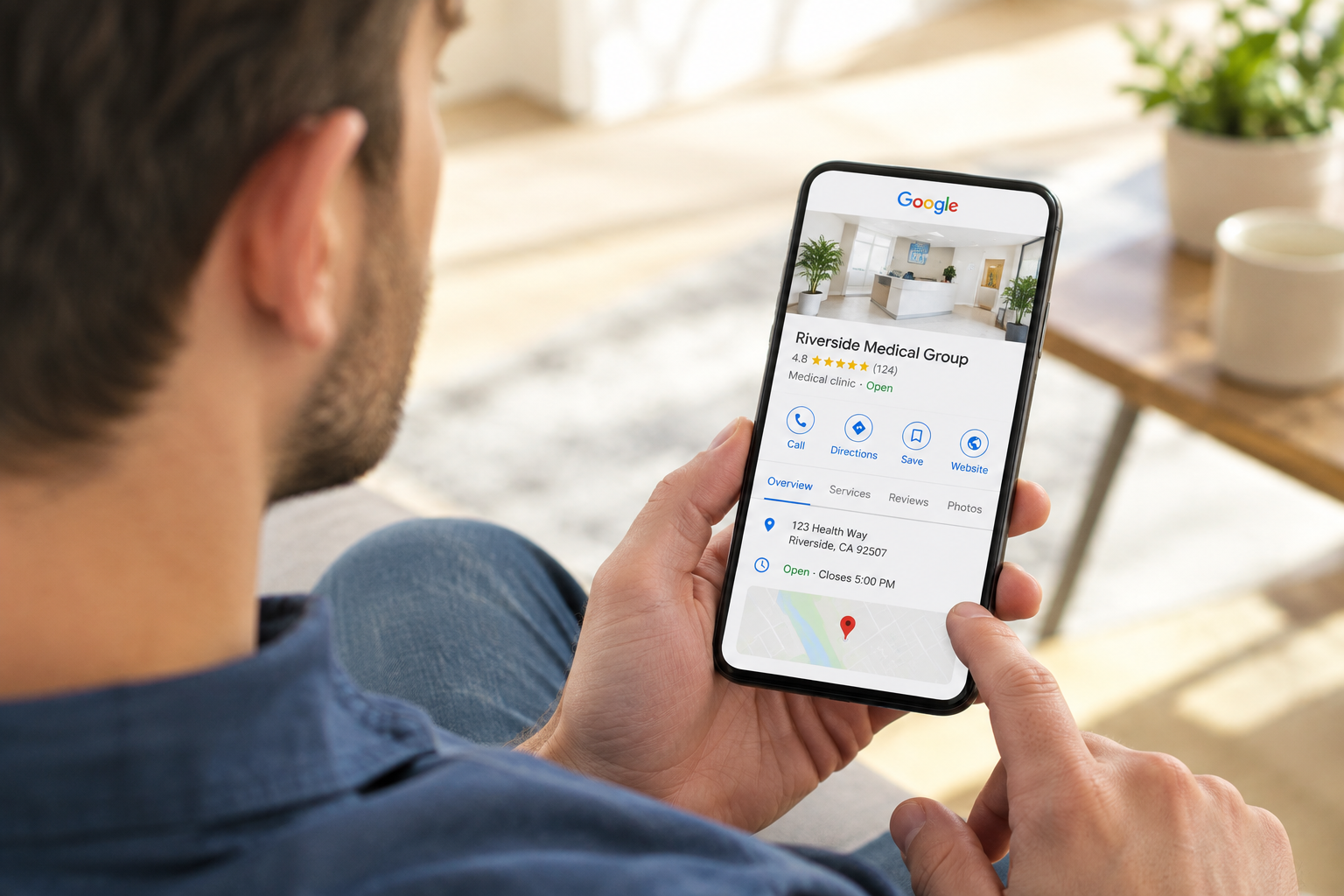
When someone searches "dentist near me" or "pediatrician open Saturday", the first thing they see isn't a website. It's the map with relevant listings under it: practice names, star ratings, hours, a photo, and a phone button. For most practices, more people see that listing in a month than visit the website. Your Google Business Profile is doing the talking before your site ever loads.
That first impression is worth protecting. And it doesn't take a lot of time. A short monthly check keeps the listing accurate and shows patients the practice is paying attention.
The 30-minute monthly routine
Check the hours, including the ones coming up. Google shows "Closed" in red when a holiday isn't set, and it asks patients whether the hours are accurate. Set the next month's holidays and any early closes now, so the listing is right before anyone notices it's wrong.
Add three to five real photos. Photos of the actual office, the actual team, and the actual waiting room. Listings with recent photos get more clicks and more direction requests, and Google quietly favors profiles that are visibly maintained. Skip stock photos entirely.
Answer every review. Thank the good ones by name and mention something specific they said. For a critical review, reply calmly, once, and take it offline: "We'd like to understand what happened. Please call the office and ask for the practice manager." Never argue, and never confirm that the reviewer is a patient or what they were seen for. Even "we're sorry your cleaning didn't go well" discloses care, which is a privacy problem.
Post at least once. A short update with a photo and a link: a service you want more of, a new team member, a seasonal reminder, a change in hours. Posts expire from view, so one a month keeps the listing looking alive.
Check the questions. The Q&A section lets anyone ask and, worse, anyone answer. Add the common questions yourself with accurate answers: parking, insurance, whether you're accepting new patients, what to bring to a first visit.
Confirm the basics. Primary category, services list, the website link, the appointment link. These drift when someone edits the profile in a hurry.
Getting reviews without getting in trouble
Reviews are the biggest lever on the listing, and the practice has more influence than it thinks. Ask at the moment people are happiest, which is usually checkout after a good visit, and make it easy: a card or a follow-up text with the direct review link. A steady trickle of honest reviews beats a burst.
Two rules to hold firmly. Don't offer anything in exchange for a review, because Google prohibits it and removes reviews it detects. And don't screen who gets asked, sending only the happy patients to Google and the unhappy ones to a private form. Google has treated that as gating for years, and it also skews the very signal patients rely on.
Three things that hurt more than they help
Stuffing the business name with keywords ("Smith Family Dental | Best Dentist Lincoln"). It violates the guidelines and can get the listing suspended.
Creating a second listing for the same location to "double up". Duplicates get merged or removed, sometimes taking the reviews with them.
Buying reviews or asking staff and family to leave them. These are detectable, and the penalty is losing the reviews you earned honestly.
How to tell it's working
The profile reports its own numbers: calls, direction requests, and website clicks. Look at them monthly next to your new-patient count. When the listing is accurate, active, and answered, all three climb, usually before the website's own traffic does.
This routine is part of DoctorBrand's monthly practice, since the listing and the website function as the same front door in two places. If you're managing it yourself, put 30 minutes on the calendar every month to run through the above checklist.