Inside DoctorBrand
How a Month Works at DoctorBrand
What happens behind the portal between one report and the next, and where you come in.

Aaron Harms
September 25, 2026 · 2 minute read
This one is for the practices we work with. New clients ask the same good question in the first month: what actually happens between now and the next report, and what do you need from me? Here's the month, start to finish.
Week one: the plan
The month opens with a content plan in the portal: two articles and the month's social posts, each assigned a topic from your practice's own list, plus any campaign that's on the calendar. You'll see it as a set of drafts. Nothing is written for approval yet; this is the shape of the month, and it's the moment to say "not that one" or "we're launching something in three weeks."
Weeks two and three: the work
Articles are drafted in your voice, from your brand foundation, and land in the portal marked In review. Social posts arrive the same way, with their images. Each one is a page you can read, comment on inline, or edit directly. The portal tracks what's changed, and every image carries alt text so the site stays accessible.
Approving is one click, and it's the only step that needs you. A post or article never publishes without it. If something needs a change, a comment on the exact sentence is enough; the revision comes back to you, not to the public.
Publishing, on the platform's own clock
Approved articles publish to the website on their scheduled day. Approved social posts go out on theirs, to the networks you've chosen. Links in those posts carry a tag so the report can tell you which post sent people to the site. The website's sitemap, the Google listing, and the caches all update on their own.
Any day: the numbers
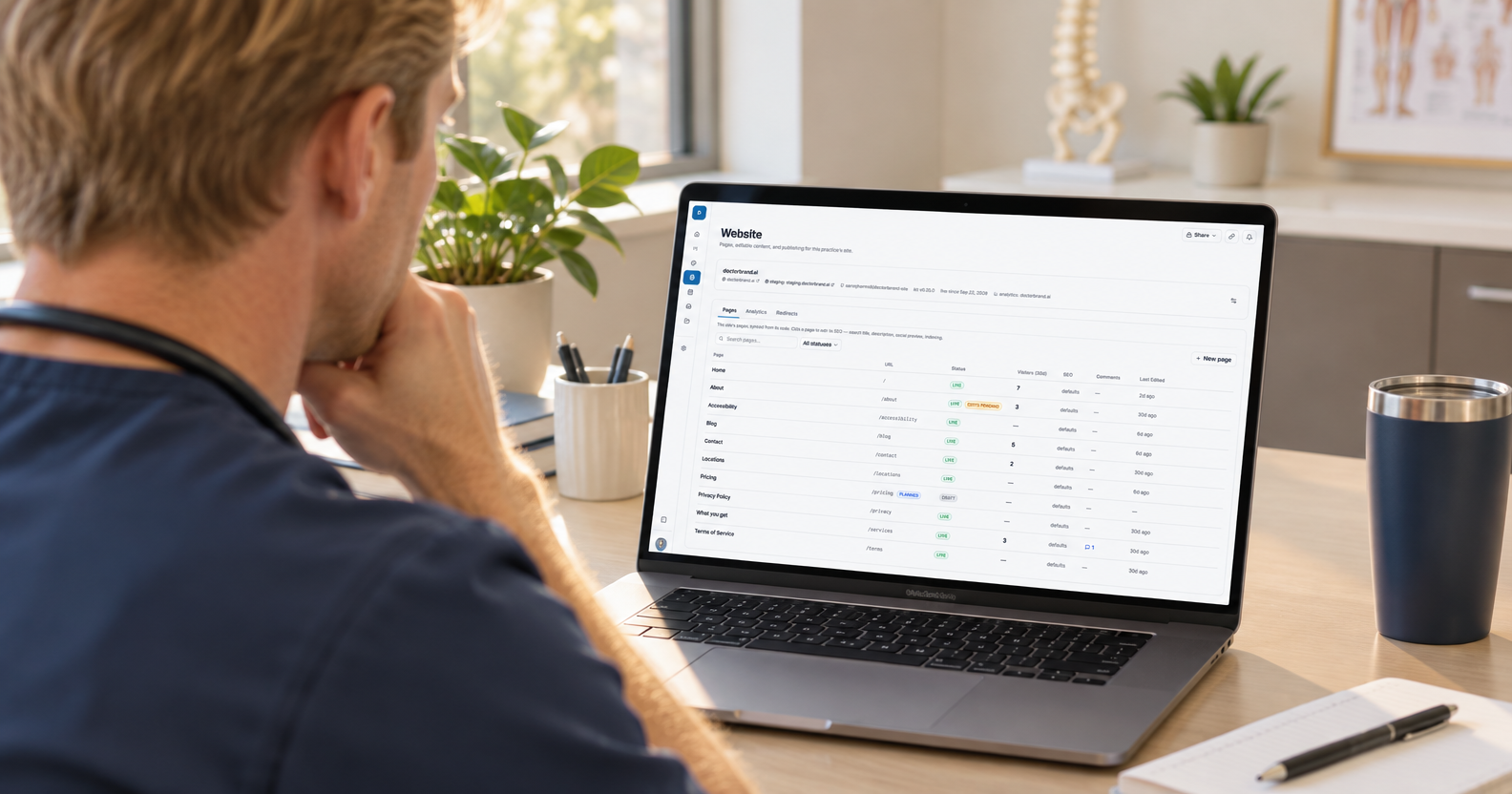
The Website section of the portal has an Analytics tab that shows the site's visitors, where they came from, what they read, and what they did, for any period, filtered down to a single page or article if you want to know whether anyone read the implant piece. It uses privacy-first analytics, so there are no cookies and no consent banner on your site.
The end of the month: the report
Five numbers, this month next to last: inquiries, new patients, visitors, where they came from, and what they did on the site, each with a sentence of interpretation. Plus what was published and what's planned. It's short on purpose.
The parts that stay yours
Three things only the practice can do, and they matter more than anything we publish: how the phone is answered, how quickly an appointment request gets a reply, and how a visit ends. We'll keep reminding you, kindly.
What's new in the portal
Recent additions you may not have noticed:
Files now describes every image automatically, so you can search your library by what's in the photo.
Image generation lives inside every image picker, with your practice's style saved between uses.
Edit with AI in the editor: highlight a sentence and pick Proofread, Simplify, or your own instruction, and accept or discard the rewrite. On a blank line, press space to have it write from your instruction.
Analytics got the period picker, page filters, and a marker for the day your site went live.
Questions about any of it go to your DoctorBrand contact, or into a comment on any page in the portal. We read those daily.